
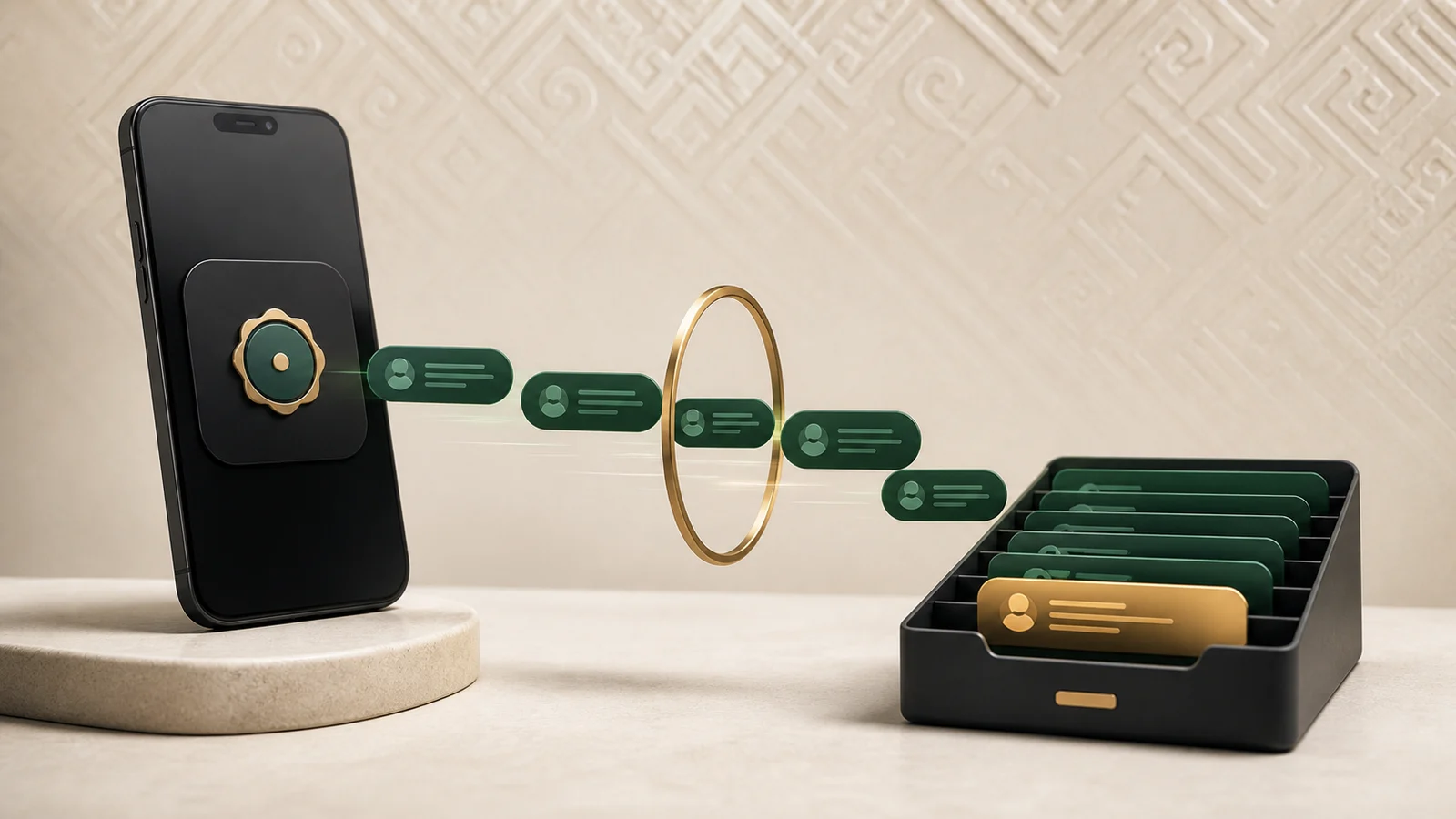
Team support on WhatsApp needs an official business setup: the company controls its business account and number, conversations enter a shared inbox, and staff reply through personal work accounts. Before launch, verify permissions, customer consent, outbound messaging rules, external channel cost, and the account-recovery path.
WhatsApp becomes a support operation only when each conversation has an owner, history, and queue control—not when one manager holds the phone.
Prepare these assets first
- a company-owned Meta business portfolio and WhatsApp Business Account;
- a business phone number and verified access owner;
- a display name and business details matching the real organization;
- a consent and outbound-message policy;
- a list of agents, managers, and required permissions;
- a backup owner and an access-recovery procedure.
Meta’s official Cloud API collection lists a business portfolio, WhatsApp Business Account, and business phone number as core prerequisites. Recheck the current Meta WhatsApp Business Platform documentation immediately before implementation.
A phone app and a team platform solve different problems
A mobile app may be enough for one owner and low volume. Team work introduces ownership, duplicate replies, private coordination, and shift handoffs. A support platform adds assignment, roles, notes, statuses, and reporting, but it does not override the channel owner’s policies.
Verify whether the chosen connection method works with the company’s existing number and operating model before switching. Available options and conditions can change.
A reliable support workflow
- A new message enters a dedicated WhatsApp inbox.
- The conversation receives a team and accountable owner.
- The agent sees history and keeps private notes separate from customer replies.
- A specialist can join a difficult case while one person retains customer ownership.
- The conversation is resolved only after an outcome, with labels used when they support a real decision.
Outbound messages and templates
Do not blend support with bulk marketing. A business-initiated message may require an approved template and compliance with current WhatsApp rules. Meta explains quality controls, user feedback, and enforcement in its update on managing business chats on WhatsApp.
Joop.kg organizes the team workflow; it does not bypass WhatsApp policy or make unsolicited messages acceptable.
Five security rules
- do not share the business-account password with every agent;
- use personal roles and multi-factor protection where available;
- keep tokens in protected configuration rather than documents or chats;
- test individual access removal when an employee leaves;
- do not request unnecessary sensitive customer data.
A controlled pilot
Start with one number, one queue, and a small team. Test inbound text, images, files, repeat messages, assignment, handoff, notifications, and recovery after temporary failure. Compare first-response time and unattended work before and after launch.
Joop.kg Trial includes one inbox, which is enough to validate the WhatsApp workflow when the required business access is available. Any Meta or provider charges remain separate from the Joop.kg plan.
Frequently asked questions
Can agents simply share one phone?
It may work at very low volume, but concurrent work, individual accountability, and action history will remain limited.
Does Joop.kg remove Meta requirements?
No. Joop.kg organizes work with the official channel; WhatsApp’s owner defines account, number, template, and messaging requirements.
Are WhatsApp message charges included in Joop.kg?
No, when Meta or a selected provider charges separately. External channel charges must be budgeted independently.
Sources and methodology
This guide is checked against Meta’s WhatsApp Business Platform documentation, the Meta Terms for WhatsApp Business, and current business-messaging guidance. Policies and feature availability can change, so every connection receives a current technical check.